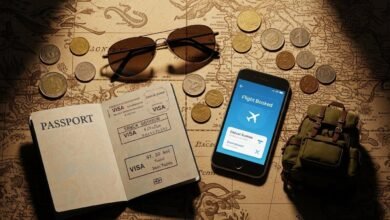
The dream of the digital nomad lifestyle often involves a hammock, a laptop, and a gentle sea breeze. However, for anyone who relies on the internet to earn a living, this dream can quickly turn into a nightmare if the connection drops during a crucial video call. Finding reliable Wi-Fi on remote islands is the single most critical logistical challenge for remote workers venturing off the beaten path.
While infrastructure has improved globally, island topography and isolation still present unique connectivity hurdles. This guide will walk you through practical steps, essential gear, and proven strategies to ensure you stay connected, productive, and employed while exploring the world’s most beautiful coastlines.
The Reality of Island Internet
Before booking that one-way ticket to a secluded paradise, it is important to manage expectations. Islands often rely on undersea cables or microwave links from the mainland, both of which can be susceptible to weather disruptions and infrastructure damage.
Unlike major cities where fiber optic speeds are standard, remote locations may offer DSL or 4G connections that fluctuate based on the number of tourists on the island. Understanding that “high speed” is a relative term is the first step. In a major tech hub, 100 Mbps is standard; on a remote island, 10 Mbps might be considered a luxury.
Strategies for Securing Reliable Wi-Fi on Remote Islands
Preparation is the key to success. You cannot simply arrive and hope for the best. To guarantee you can submit projects on time, you need a multi-layered approach to connectivity.
1. Conduct Deep Pre-Trip Research
Do not rely solely on the “Wi-Fi included” filter on booking platforms. This label can mean anything from a dedicated fiber line to a shared router located three buildings away.
- Check Community Data: Websites like Nomad List or specific Facebook groups for digital nomads in that region are goldmines. Search for recent posts complaining about or praising the internet speed.
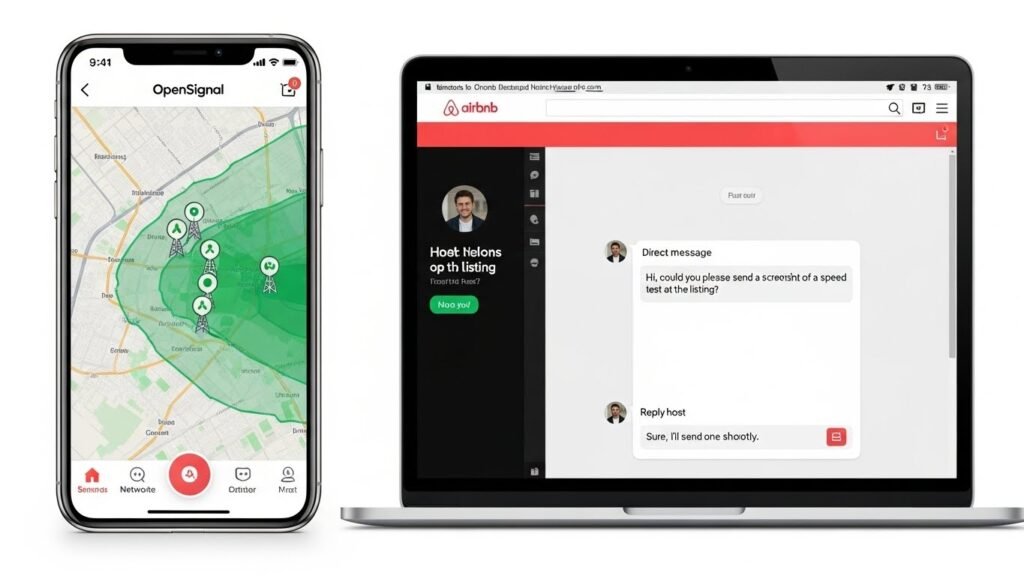
- Ask the Host Specific Questions: Before booking accommodation, message the host. Do not ask, “Is the Wi-Fi good?” Instead, ask, “What is the specific download and upload speed? Can you send a screenshot of a speed test run from inside the room?”
- Identify Tower Locations: Apps like OpenSignal or CellMapper can show you where cellular towers are located relative to your potential accommodation. Being closer to a tower often means a more stable mobile data connection, which is your primary backup.
2. The Digital Nomad Tech Kit
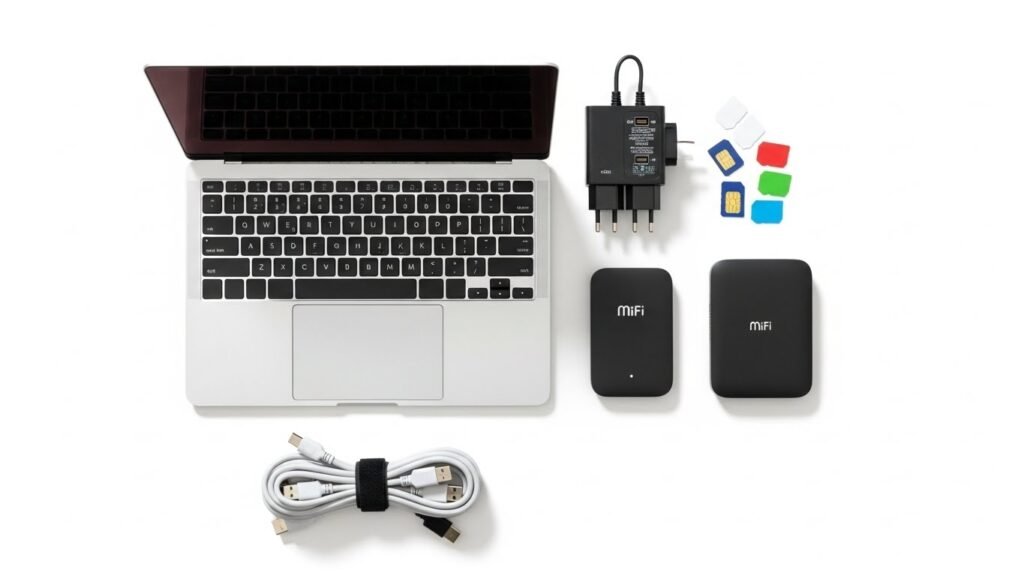
To ensure reliable Wi-Fi on remote islands, you need to bring your own infrastructure. Relying exclusively on hotel or cafe Wi-Fi is a gamble you should not take.
Unlocked Smartphones and Dual SIMs
Ensure your phone is unlocked before leaving your home country. A dual SIM phone (or a phone with eSIM capability) is invaluable. It allows you to keep your home number active for bank OTPs while using a local SIM card for data.
Portable Mobile Hotspots (MiFi)
A dedicated mobile hotspot device often has a stronger antenna than a smartphone. Buying a local SIM card specifically for this device creates a dedicated personal network. This prevents your phone battery from draining due to constant tethering and allows you to connect multiple devices, such as your laptop and tablet, simultaneously.
Signal Boosters and Travel Routers
For advanced nomads, a travel router can be a lifesaver. These devices can pick up a weak Wi-Fi signal from a cafe or hotel and amplify it, creating a secure private network for your devices. This is particularly useful in hotels where the signal is strong in the lobby but weak in the bedroom.

Mastering the Art of SIM Cards and eSIMs
When Wi-Fi fails—and on islands, it eventually will—cellular data is your safety net.
Local SIM Cards
In almost every case, a local physical SIM card will offer the cheapest and fastest connection. Purchase this at the airport or an official carrier store. Avoid third-party street vendors if possible to ensure the SIM is registered correctly in your name. On many islands, one carrier will have a monopoly or significantly better coverage than others. Ask locals, “Which network works best on this side of the island?”
eSIM Technology
If your phone supports it, eSIMs are a game-changer for convenience. Providers like Airalo or Holafly allow you to download a data plan before you even land. While sometimes slightly more expensive than local physical SIMs, they provide immediate connectivity upon arrival, allowing you to research where to buy a cheaper local plan.

Choosing the Right Workspace
Your environment dictates your productivity. On remote islands, you generally have three choices: your accommodation, cafes, or coworking spaces.
Coworking Spaces
The rise of remote work has brought coworking spaces to surprisingly remote corners of the globe. These spaces are dedicated to providing reliable Wi-Fi on remote islands. They typically invest in:
- Redundant internet connections (two different ISPs).
- Backup generators for power outages.
- Ergonomic seating.
Paying for a daily or weekly pass is often the best insurance policy for important meetings.
Cafes and Restaurants
While scenic, cafes are risky. They often share a single consumer-grade router among dozens of customers. If you plan to work from a cafe, follow these rules:
- Arrive early before the crowd.
- Sit near the router if possible.
- Always buy food and drinks to support the business.
- Never make video calls in a quiet or crowded cafe unless you have a noise-canceling microphone and it is socially acceptable in that specific venue.
Common Pitfalls to Avoid
Even with the best gear, mistakes happen. Avoid these common errors to keep your stress levels low.
Ignoring Weather Patterns
On islands, weather affects connectivity. Heavy tropical rain can disrupt satellite signals and microwave links. If you see a storm forecast, download all necessary files, emails, and documents beforehand. Assume you will be offline during the storm.
Relying on a Single Source
Never rely on just the hotel Wi-Fi. Always have a mobile data backup. Conversely, do not rely solely on mobile data, as you may hit a data cap or find yourself in a dead zone. Redundancy is the only way to guarantee uptime.
Forgetting Security
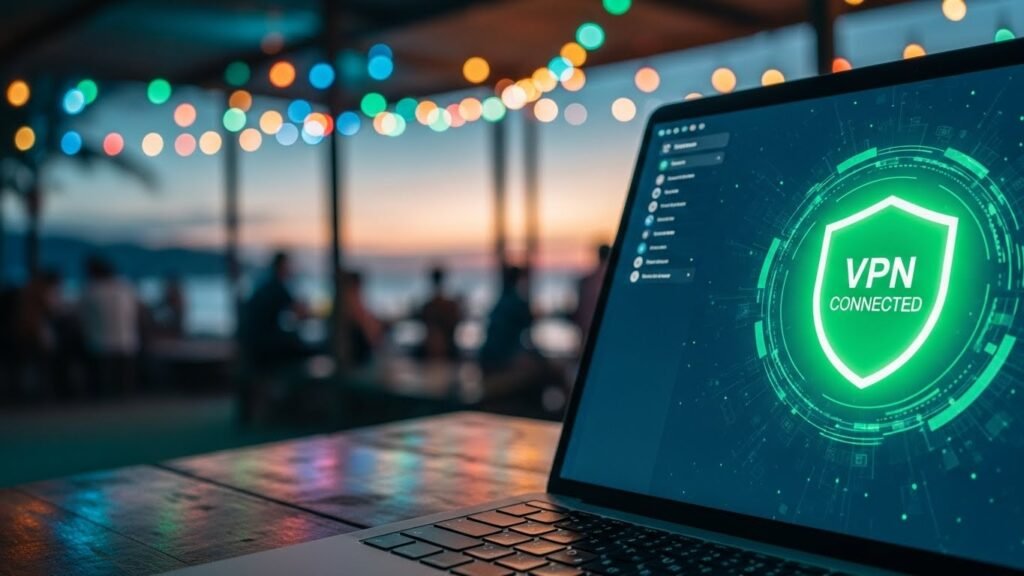
Public Wi-Fi networks in hostels and cafes are generally unsecured. Hackers can intercept sensitive data. Always use a reputable Virtual Private Network (VPN) when connecting to public networks. A VPN encrypts your data, keeping your passwords and client information safe.
Top Remote Island Destinations with Good Infrastructure
If you are looking for a balance between isolation and connectivity, these destinations have a proven track record for hosting digital nomads.
- Koh Phangan, Thailand: Known for parties, it also has a thriving nomad community with excellent fiber optic coverage and numerous coworking spaces.
- Madeira, Portugal: Specifically catering to remote workers with the “Digital Nomad Village” initiative, offering high speeds and community events.
- Canggu/Uluwatu, Bali (Indonesia): While busy, the infrastructure is robust. Moving slightly away from the center offers peace without sacrificing speed.
- Siargao, Philippines: Infrastructure is improving rapidly. While power outages occur, Starlink is becoming common in many cafes and resorts.
- Tenerife, Canary Islands: European standards of internet infrastructure combined with island living.
What to Do When the Internet Fails Totally
Despite all preparations, there will be moments when the island goes dark. A fiber line might be cut, or a power grid might fail.
- Communicate Early: If you suspect an outage, email or message your team/clients immediately while you still have a shred of signal. “Internet unstable due to severe weather, will update when online” is better than silence.
- Work Offline: Structure your workflow to have “offline tasks.” Writing, coding, graphic design, and video editing can often be done without an active connection. Save the research and emailing for when you are online.
- Embrace the Break: Sometimes, the universe tells you to stop. If you have done everything possible and still cannot connect, accept it. Go for a swim, hike a trail, or read a book. Panic will not fix the router.

Conclusion
Living on an island does not have to mean disconnecting from your career. By prioritizing reliable Wi-Fi on remote islands through research, carrying the right backup gear, and choosing accommodation wisely, you can enjoy the best of both worlds. The key is redundancy—always have a Plan B (and a Plan C). With the right preparation, your office view can change from a cubicle wall to a horizon line where the sky meets the sea.